
A considered first contact.
Firm-branded intake gathers client details and supporting files. Leads move through review states, with conflict candidates and a recorded staff decision before an accepted lead becomes a matter.
A matter-centred legal workspace
The whole matter.
A clearer next step.
From the first intake to a reviewed client update. A connected practice platform that brings source material, AI assistance and human judgement into the same workflow.
Live website · Private application source
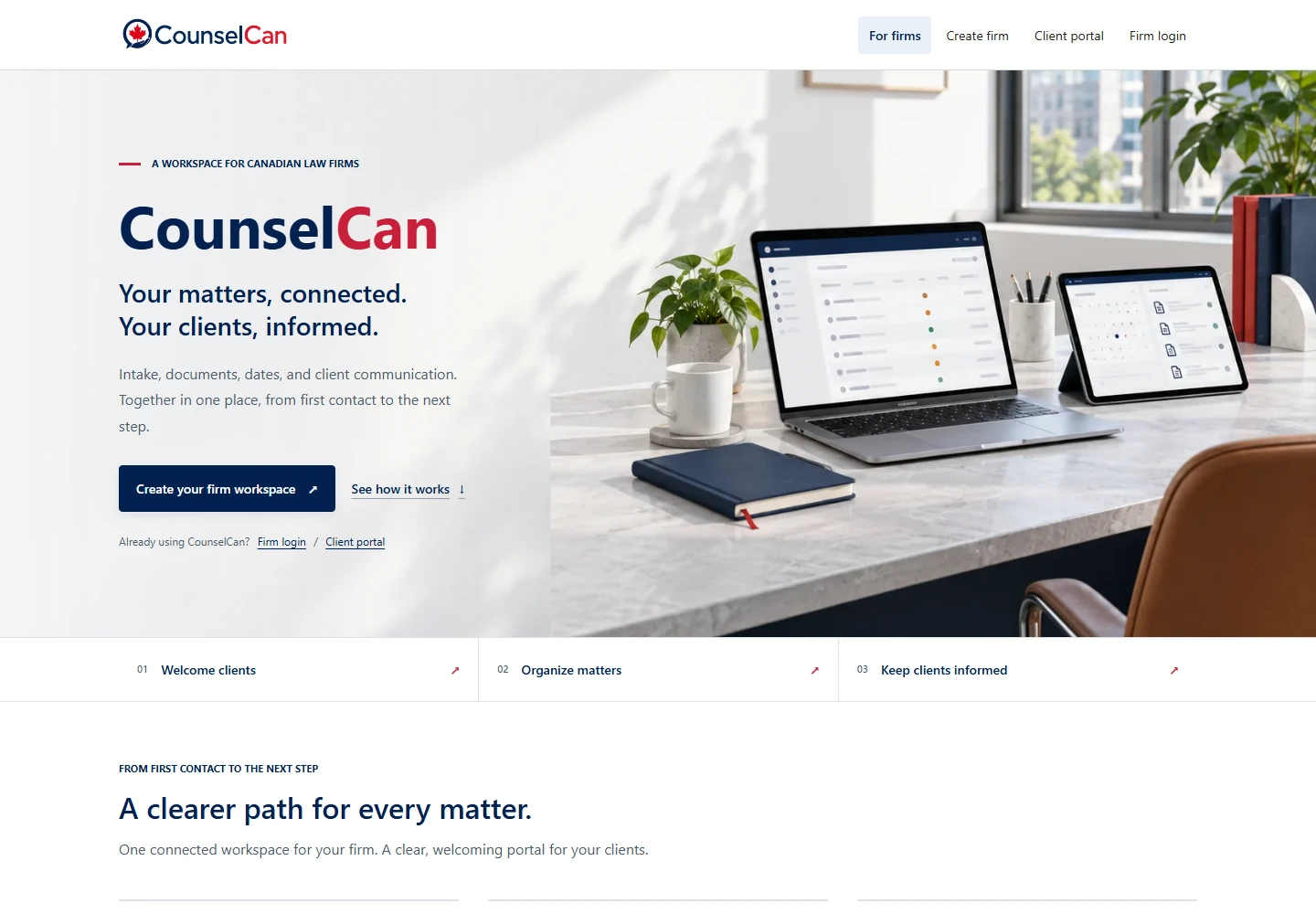
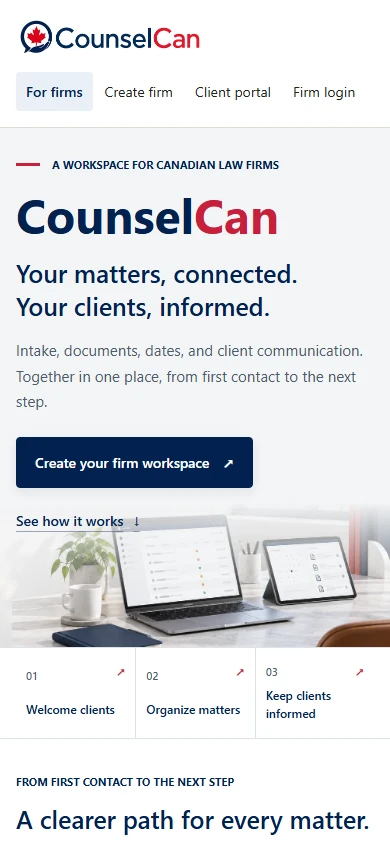
The public experience · Desktop & mobile
The product challenge
Intake, disclosure, dates, preparation and client communication all describe the same matter. CounselCan keeps that context together, with clear states for what has been processed, reviewed and shared.
Firm-branded intake gathers client details and supporting files. Leads move through review states, with conflict candidates and a recorded staff decision before an accepted lead becomes a matter.
Originals, processing status, extracted pages, notes and saved work product stay with the matter. A guided review queue points to source checks, candidate dates, drafts and follow-up.
Disclosure summaries, chronology work, strategy notes and Canadian research memos retain their source context and review status. Internal work product can be refined and exported as PDF or DOCX.
Staff confirm important dates, manage tasks, prepare updates and request missing files. Portal messages bring client questions back into the matter workflow.
Two experiences. One connected matter.
The internal case file and the client portal serve different needs. Review and sharing controls connect them while keeping internal preparation within the firm.
Inside the firm
Through the client portal
Follow one document through the system
The interesting engineering sits between the upload and the update. Explore how ownership, extraction, AI context and staff decisions stay connected at each stage.
Workflow illustration · explore each stage
Preserve the source
An authorised upload is linked to its firm and matter. The original is retained with a content hash; extracted text and later versions are separate records.
Source ownership, document identity and the original file remain connected.
Make the file usable
A Python worker processes queued documents, extracting text from PDFs and DOCX files and using OCR for scanned pages and images when available. Pages and chunks support later retrieval.
Processing states and errors stay visible. Candidate dates still need approval.
Work from authorised context
The AI Gateway checks permissions, assembles allowed matter sources and requests a task-specific structured response. Source references and a review state accompany the draft.
Firm-configured provider adapters support Gemini and DeepSeek.
Put judgement at the centre
Staff inspect the sources, edit work product and record an approval or rejection. Extracted dates and AI-generated drafts have explicit review steps.
Saving a draft is separate from approving it.
Make the next step clear
The firm chooses which updates and documents a client can see. Explicit portal shares, visibility states and access rules determine what appears in the client workspace.
Internal work product stays internal until a permitted sharing action.
Purpose-built assistance
The AI workbench brings focused tools into the matter. Each task has a purpose and an output shape, with source context and a review state carried into the resulting work product.
Organise key documents, chronology candidates, people, dates, gaps and follow-up tasks. Extracted dates remain suggestions for staff approval.
Answer questions using authorised matter material, retaining source-chunk references and limitations alongside the response.
Prepare a plain-language starting point from matter context. The firm reviews and edits the draft before choosing what to share.
Retrieve Canadian case-law material through A2AJ and prepare review-required memos with supplied passage references. Source inspection remains part of the lawyer’s work.
Surface opposing theories, harmful facts, missing evidence and difficult questions to help a lawyer prepare and challenge assumptions.
Explore assumptions, vulnerabilities and scenario sensitivity. Simulations support preparation; they do not predict a court result.
Human judgement is a workflow step. AI drafts require review. Extracted dates require approval. A scenario analysis is a preparation aid, not a court-outcome prediction.
The engineering underneath
A modular application and a document worker separate the interactive workspace from heavier processing. Typed boundaries keep identity, permissions, documents and model requests in context.
Application architecture
Gemini & DeepSeek adapters · Canadian legal research through A2AJ
Next.js App Router, React and TypeScript provide the interface. Shared packages separate domain rules, validation, authorisation, auditing, object storage, AI orchestration and legal research.
The web app queues work rather than running OCR inside a page request. A Python worker claims jobs, extracts content, writes derivatives and records processing states. Cloudflare R2 holds originals and generated files.
Supabase Auth and Postgres underpin identities, relationships and row-level access rules. Object delivery is authorised before a short-lived upload or download URL is issued. Portal visibility is an explicit record state.
Gemini and DeepSeek adapters sit behind a permission-aware AI Gateway. Named tasks use structured outputs, source IDs, prompt versions and reviewer status. Providers receive selected context rather than database or object-store credentials.

Start a conversation
A practical problem. An ambitious idea. A system that could work better. Tell me what’s on your mind.
What would you love to stop doing manually?
One small hello. A new possibility.
Thanks for reaching out. I’m looking forward to hearing more.
Sent to Kevin