

← Back to work

Chrome extension

Website Security Scanner.

Available in Chrome Web Store

See the score. Understand the evidence.

Chrome extensionWebsite Security Scanner
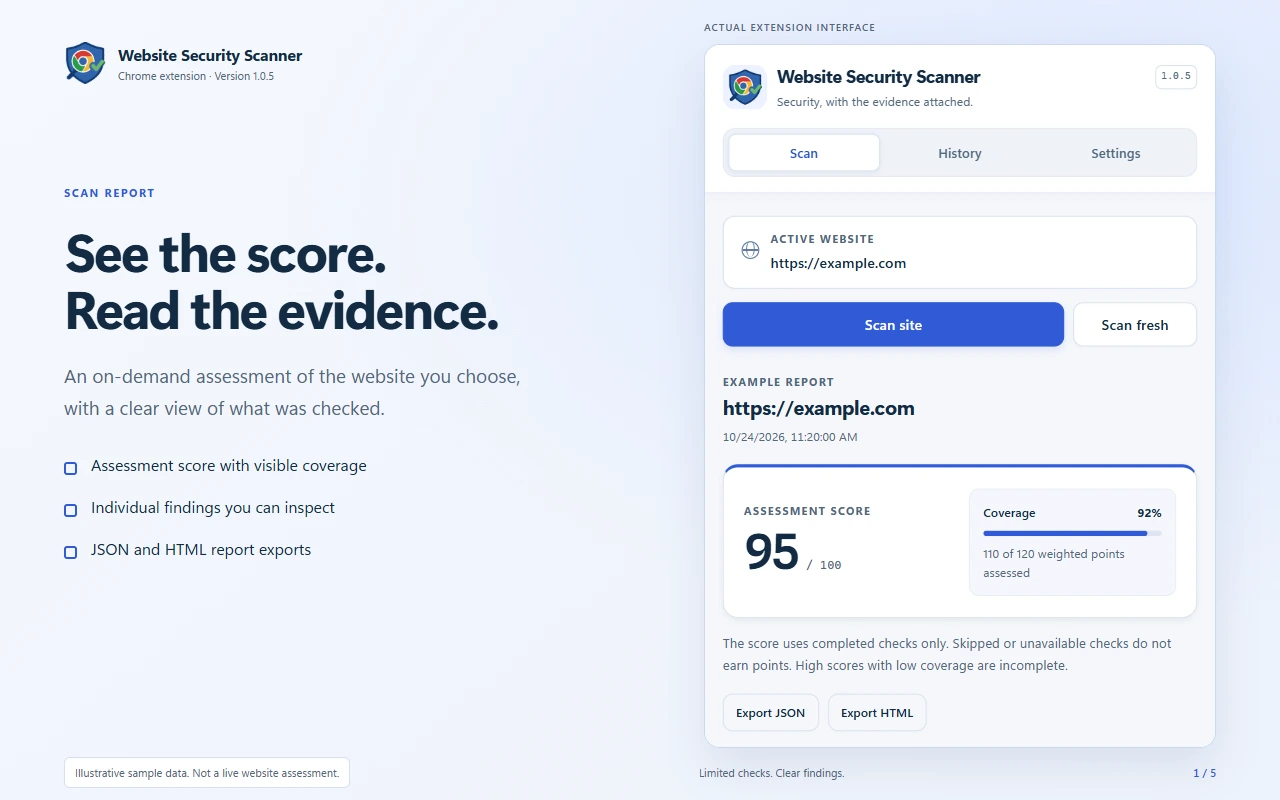
Website Security Scanner 1.0.5 report interface showing an example assessment score, coverage and export controls.
Assessment score and coverage
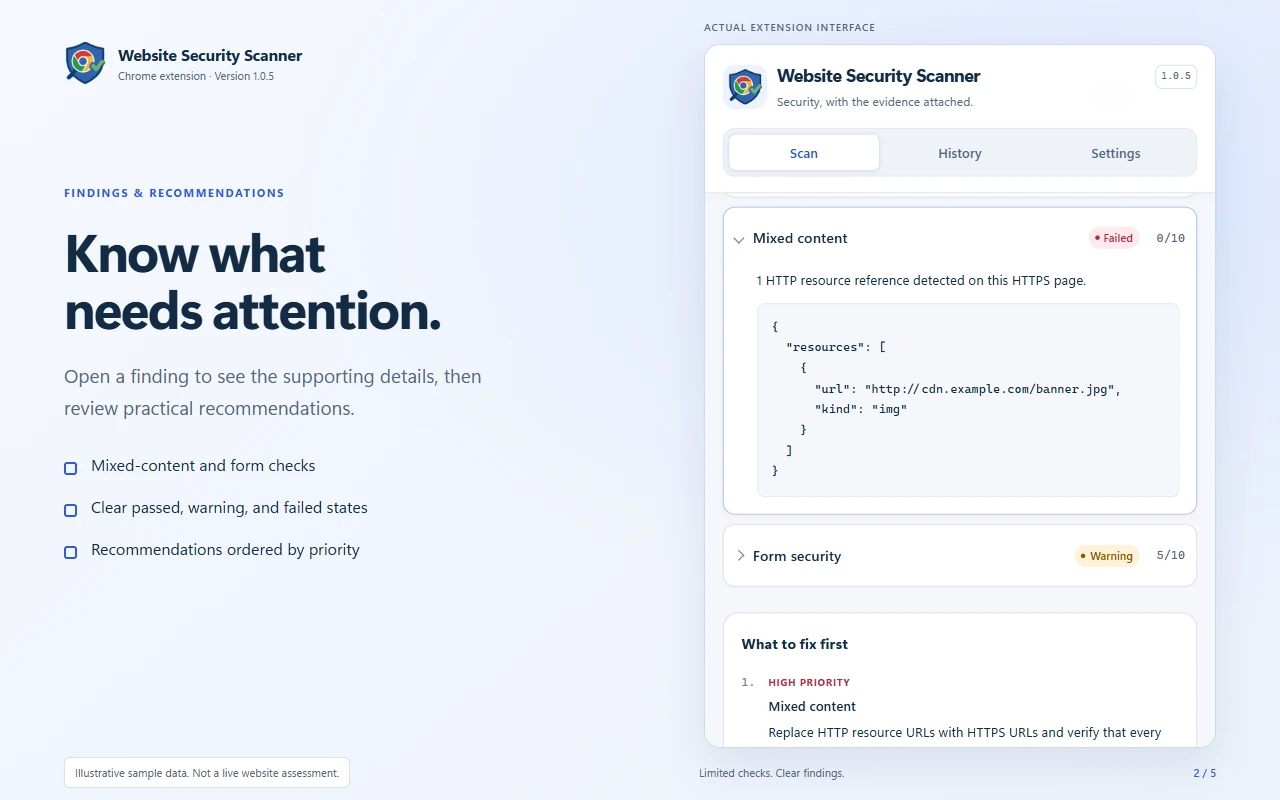
Website Security Scanner findings interface showing example mixed-content evidence, form security and prioritised recommendations.
Findings and recommendations
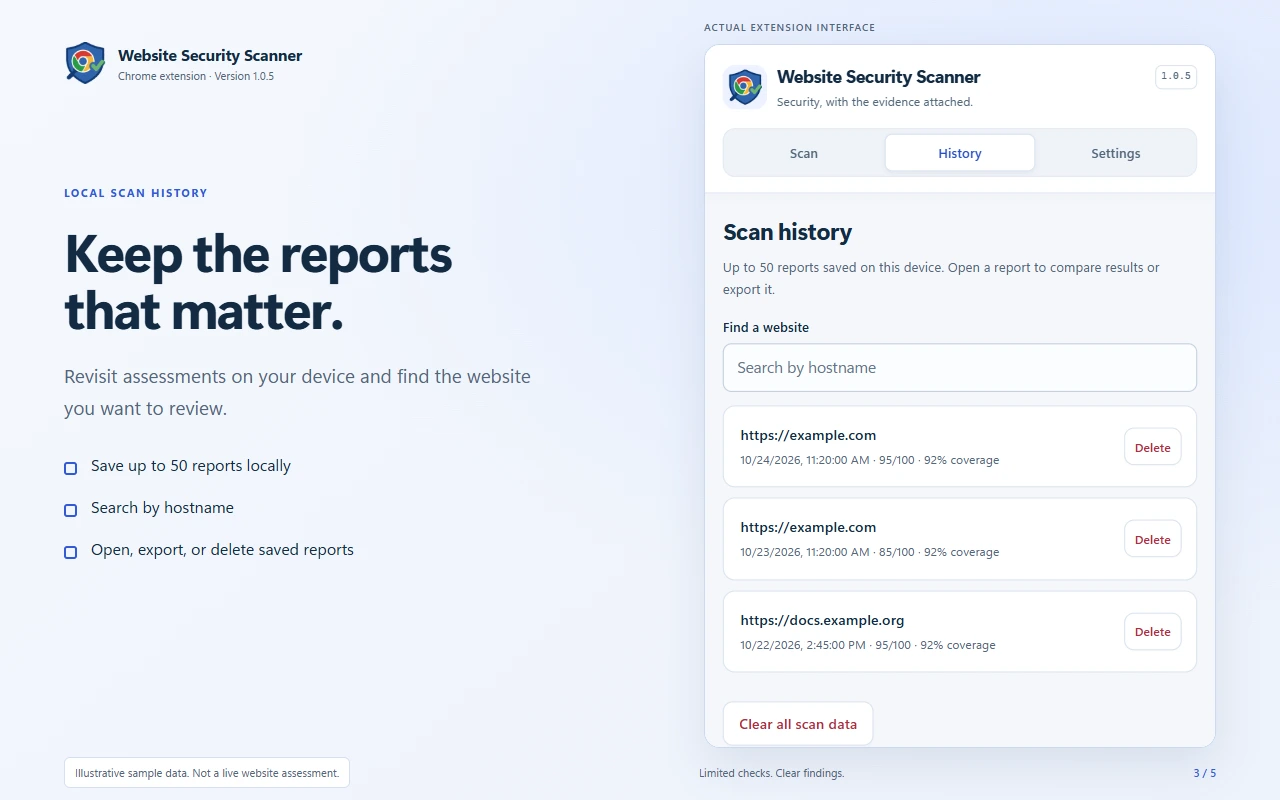
Website Security Scanner History tab showing locally saved example reports, hostname search and deletion controls.
Searchable local scan history
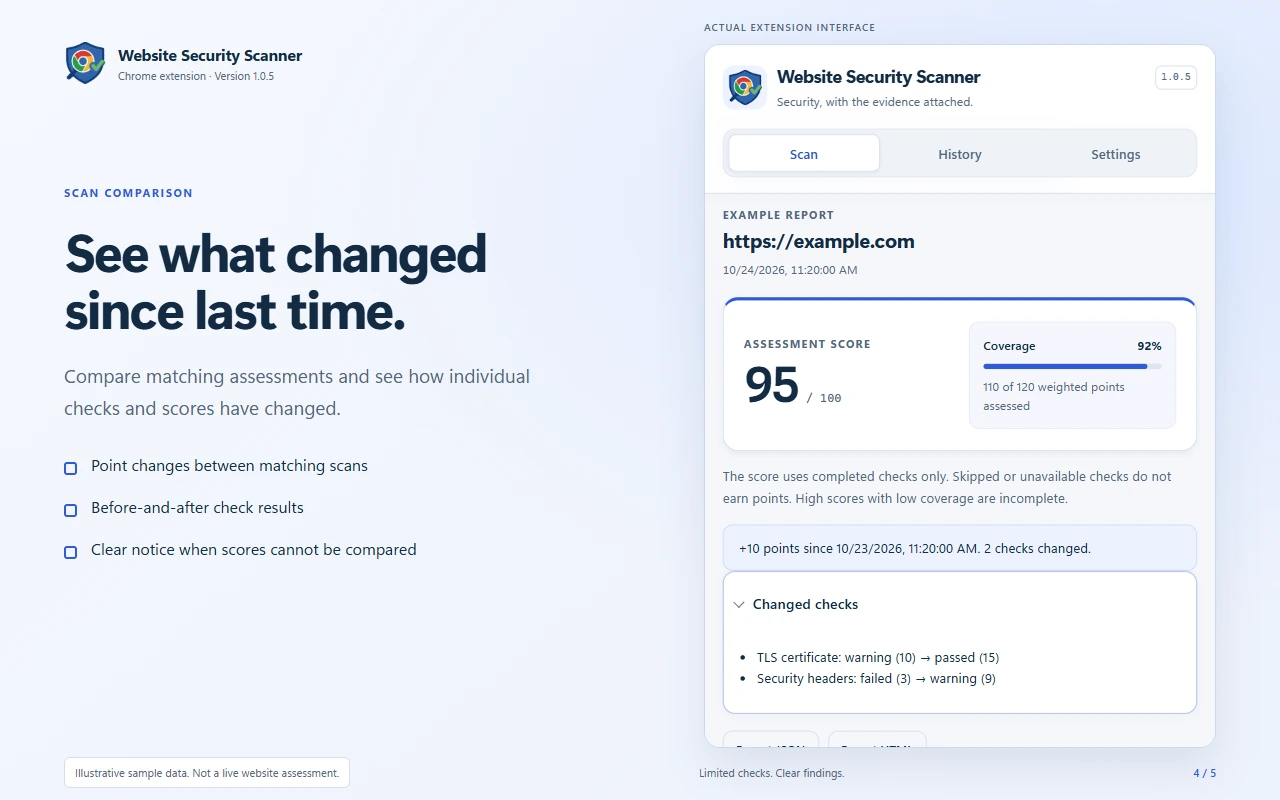
Website Security Scanner example comparison showing changes to individual checks and an assessment score.
Compare previous assessments
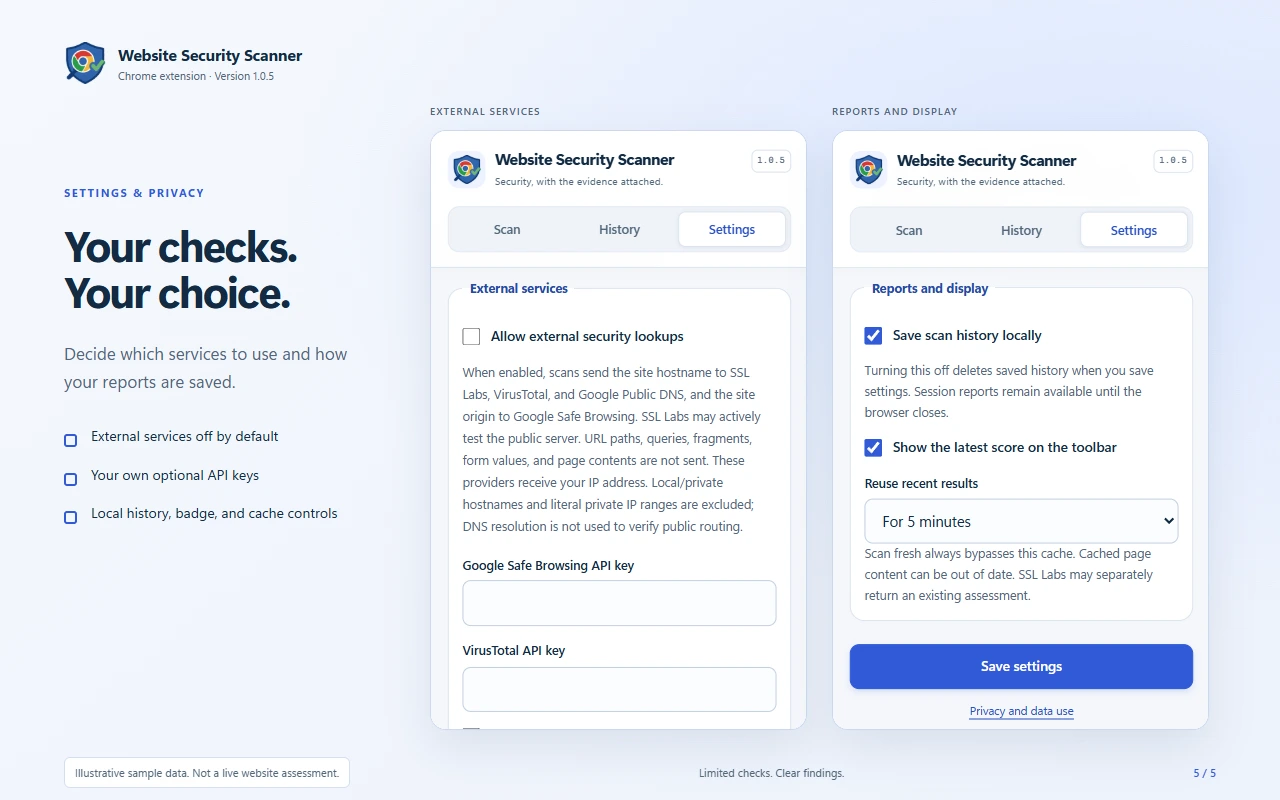
Website Security Scanner Settings tab showing external lookups disabled by default, optional API key fields and local report controls.
External lookups and report settings

Official Chrome Web Store screenshots with illustrative scan data.

The idea

What it brings together.

A score is more useful when you can see what was checked. Website Security Scanner brings findings, assessment coverage and practical recommendations into a Chrome popup, with local reports you can revisit, compare and share.

Features

Assess the page in front of you

Run selected checks for HTTPS, security headers, mixed content and potentially unsafe form submissions. Optional services add TLS certificate, domain reputation, Safe Browsing and SPF/DMARC checks.

Read the score with its coverage

The 0-100 assessment score reflects completed checks. Coverage shows how much was assessed, while unavailable or skipped checks stay distinct from passes. Neither a score nor domain reputation is a guarantee of safety or a vulnerability audit.

Follow the evidence to a next step

Open individual findings, review supporting details and see recommendations ordered by priority, including weak header values and mixed-content or form issues.

Keep the reports that matter

Save up to 50 reports locally, search by hostname, reopen previous results and delete individual reports or clear all scan data.

Compare and share

Compare matching assessments to review changes in check results and scores. Export JSON or a standalone HTML report for review outside the extension.

Stay in control of the scan

Follow progress, cancel a scan and reopen the popup while it runs. Reuse recent matching results or choose Scan fresh, select checks individually and enable an optional toolbar score badge.

Choose your external lookups

External services are off by default. When enabled, providers receive the hostname or site origin, without the page path, query or fragment. Safe Browsing and VirusTotal use your own eligible API keys; directory probing needs separate opt-in and authorisation.

Keep browser data close

Settings, API keys and optional report history stay in your browser. The extension has no advertising, analytics or developer-operated collection server. Page checks contact the site itself; enabled external checks contact their selected providers.

Next project

UltraSuperConverter

Explore UltraSuperConverter

Start a conversation

Big idea.
Small hello.

A practical problem. An ambitious idea. A system that could work better. Tell me what’s on your mind.

What would you love to stop doing manually?

Prefer the direct route?

Ontario, Canada

A little hello goes a long way.

What are we thinking?

Rough ideas are very welcome.

Just a conversation.
No perfect brief required.

Your message goes directly to Kevin.

Find something

HomeKevin DeMaraWorkPageExpertisePageAboutPageExperiencePageUltraSuperConverterLocal conversion toolbox & workflow appPageMovoChrome capture & presentation extensionPorchlightLocal-first Blink camera companionCounselCanCanadian legal practice platformEAIRIAI readiness & learning platformLocal AI StudioLocal-first development workspaceWildrimPersistent browser fantasy MMOYogabroResponsive yoga studioCreator Asset StudioWindows desktop applicationEvent RSVP ManagerWordPress pluginAjax Comedy ClubEvent website & management platformVelocity3D browser racing gameWebsite Security ScannerChrome extensionContacthello@kevindemara.com

Tab to navigate · Enter to open · Esc to close