
Video stays on the device.
MediaPipe detects body landmarks in the browser. Canvas draws the skeleton over the camera image, with matching proportions and mirror settings. Camera video and pose inference stay on your device.
A personal yoga studio, in your browser
Build your flow.
Find your rhythm.
From choosing the next pose to seeing how you move. I built Yogabro to bring guided practice, camera feedback and the small routines around yoga into one responsive app.
Desktop & mobile · Camera optional · Private source
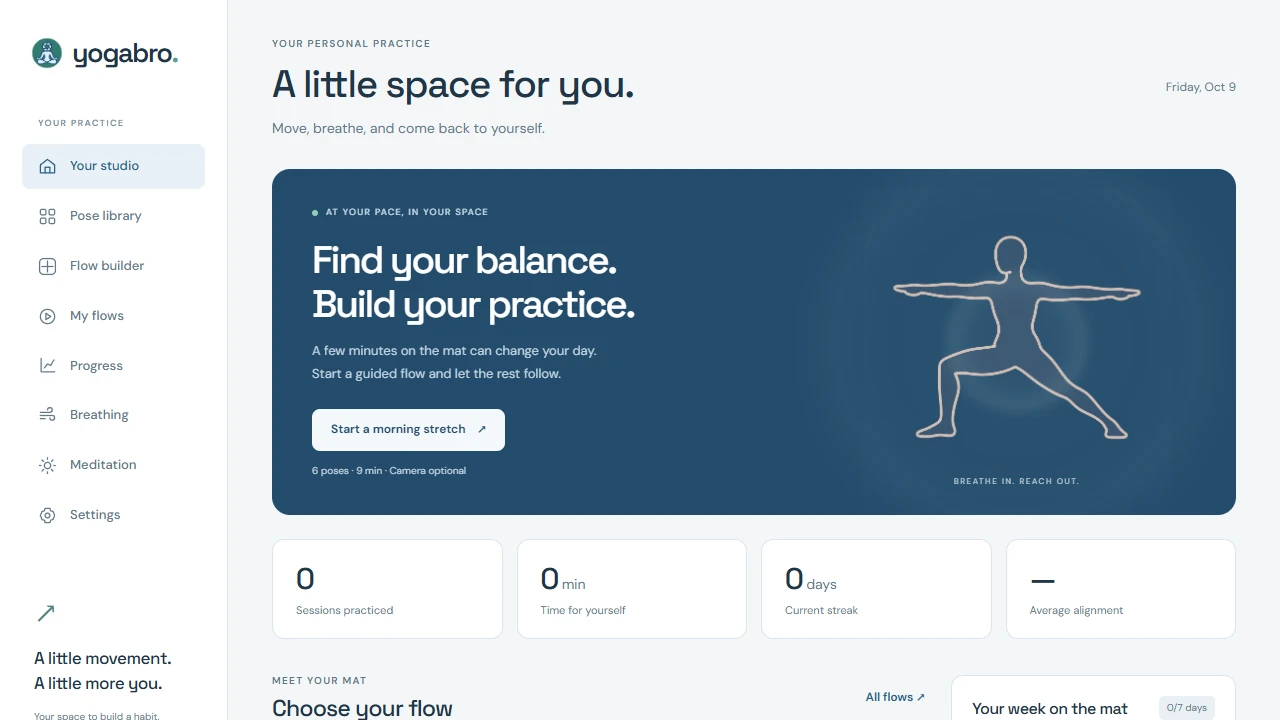
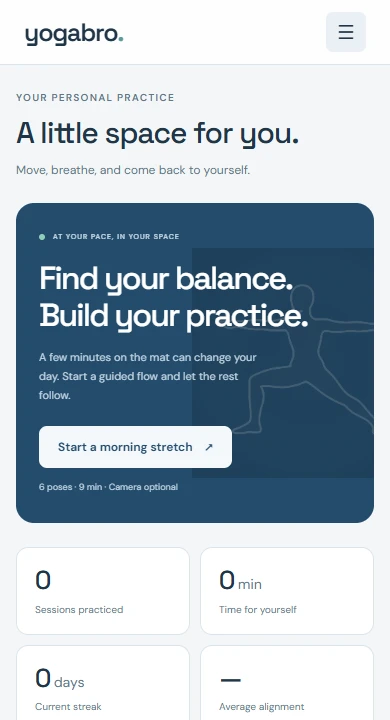
Flow builder → Start practice
A practice can be personal before it even begins. Combine poses, adjust their timing and choose which side to work on. The same flow becomes a guided session on your laptop or phone.
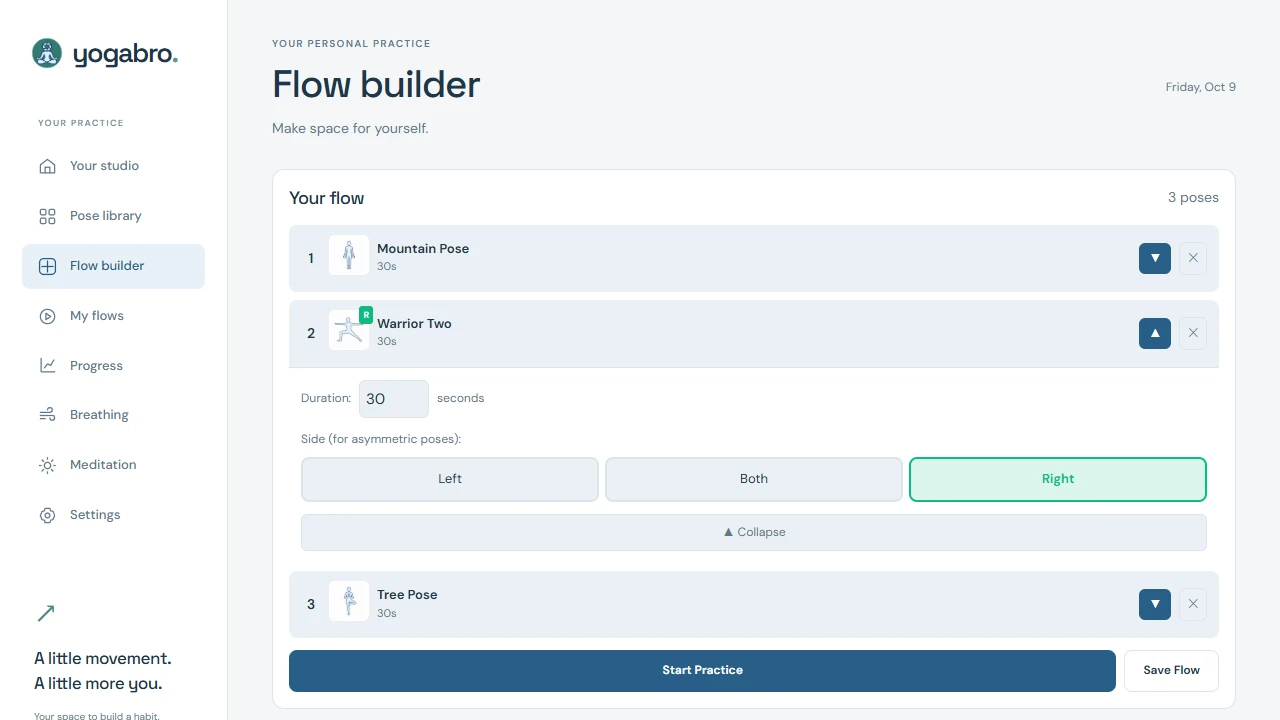
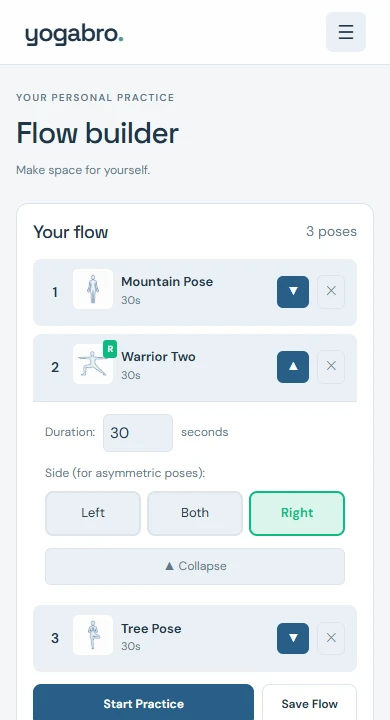
Build a sequence from all 42 poses, or begin with a ready-made morning, power, relaxation or bedtime flow.
Set the hold time for each pose. Choose left, right or both sides for asymmetric poses, and save the flow for next time.
Move into a guided session with a pose reference, instructions and timed holds. Add camera feedback when you want it.
Visual guidance, where you practise
Use a laptop webcam or a phone camera to add a skeleton overlay and alignment feedback to guided practice. Keep the camera off and the pose illustrations, instructions and timer still guide the session.
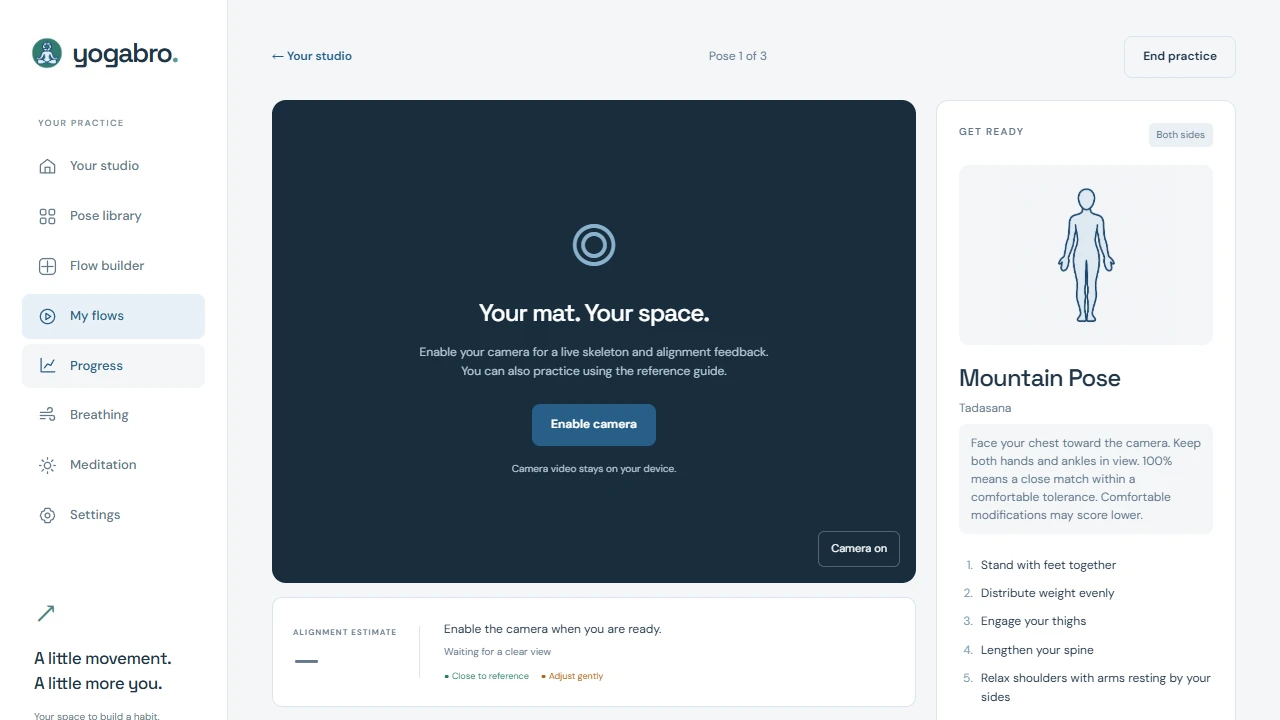
MediaPipe detects body landmarks in the browser. Canvas draws the skeleton over the camera image, with matching proportions and mirror settings. Camera video and pose inference stay on your device.
Joint angles, limb directions and hand placement are compared with pose references. Smoothing steadies the feedback; missing landmarks or an unsuitable view pause the score. Some poses provide skeleton guidance without a percentage.
Alignment is a 2D reference comparison. Camera angle and body visibility affect the estimate; it is not a clinical assessment.
Learn the pose. Build the habit.
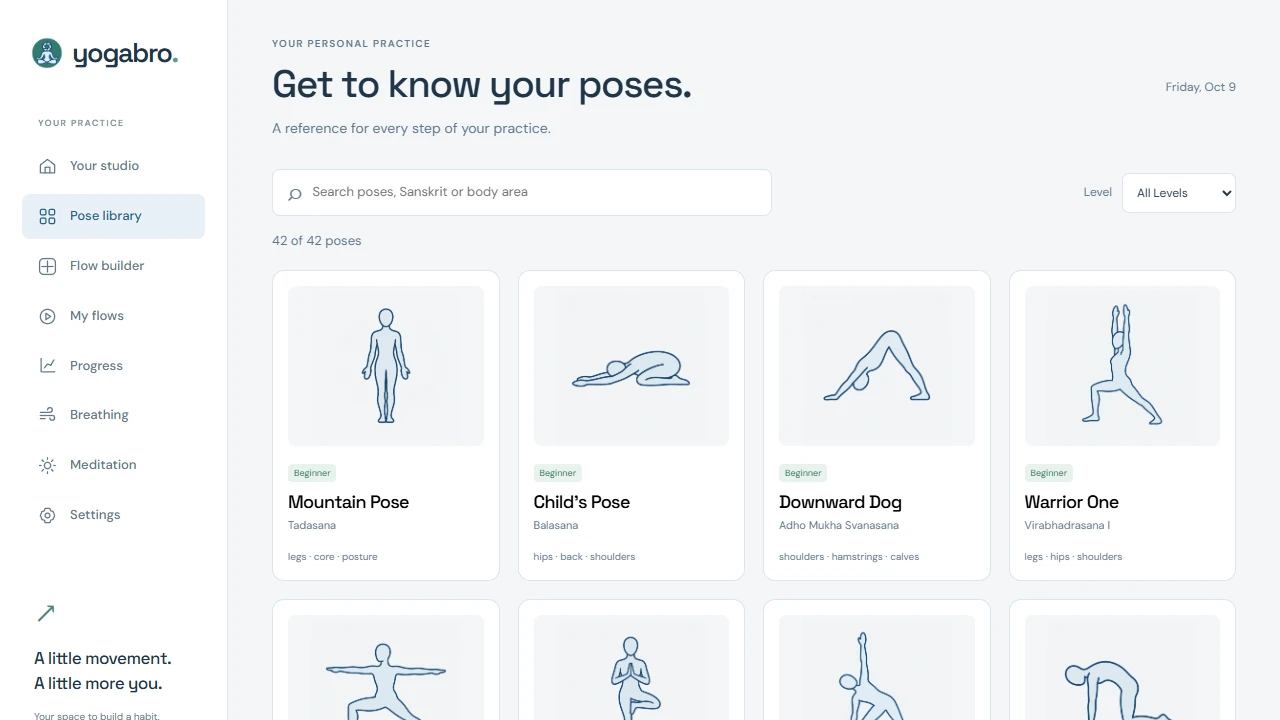
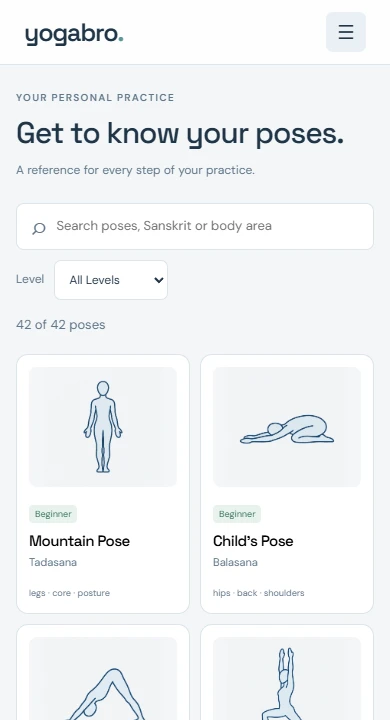
Browse 42 illustrated poses, filter by difficulty and search by name, Sanskrit, body area or common aliases. Each pose brings instructions and a visual reference into the flow builder and practice guide.
Between the movements
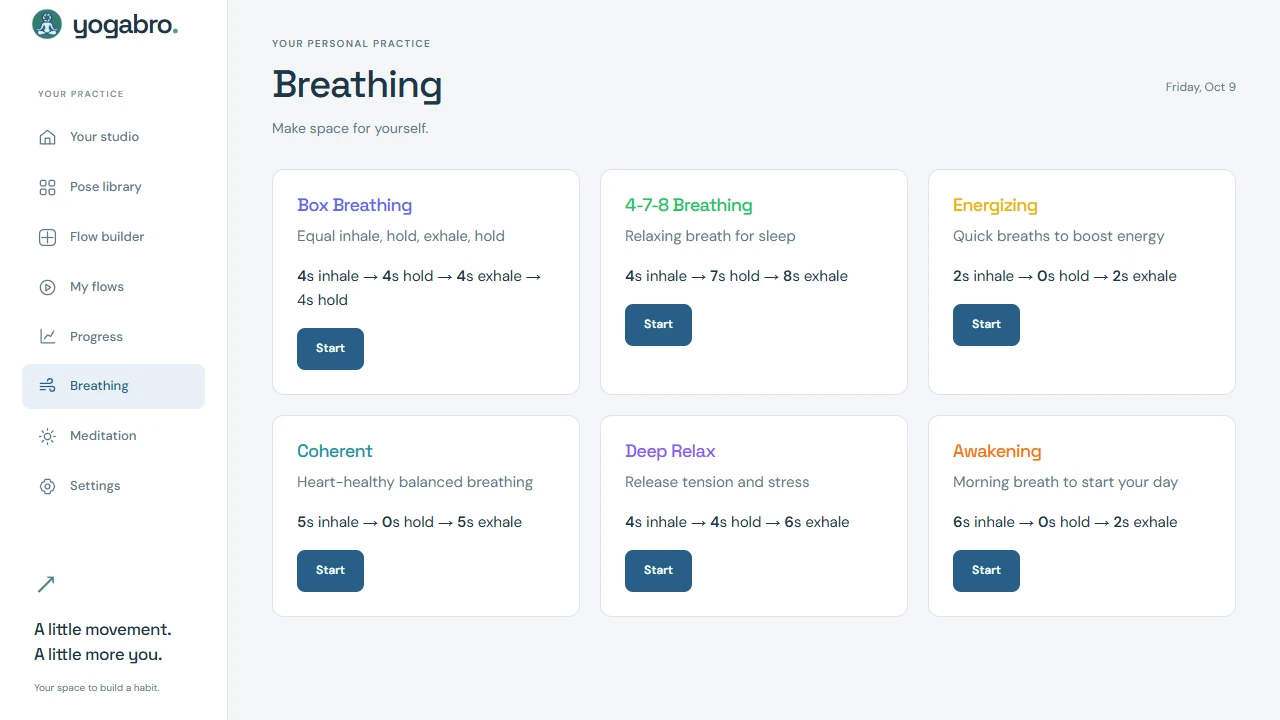
Six breathing patterns guide inhale, hold and exhale phases. Animated pacing, optional sound and spoken cues keep the rhythm clear.
Choose Box Breathing, 4-7-8, Energizing, Coherent, Deep Relax or Awakening.
A meditation timer with pause and resume, optional background audio and mute controls.
Spoken pose instructions and stable alignment cues, with optional voice commands in supported browsers.
Weekly minutes, streaks, 7- and 30-day views and session history. Camera-free sessions record time and poses; alignment entries appear when tracking is used.
Guest flows and history stay on the device. Optional Google sign-in connects saved flows and session records through Firebase.
Behind the app
A lightweight JavaScript interface brings together real-time pose inference, spoken guidance, timed sessions and optional account sync.
Webcam or mobile camera
Local inference · GPU / CPU fallback
Visibility checks · Angles · Smoothing
Skeleton overlay · Stable cues
Your practice, at your pace
Explore the studio, build a flow and choose how you want to practise.
Start a conversation
A practical problem. An ambitious idea. A system that could work better. Tell me what’s on your mind.
What would you love to stop doing manually?
One small hello. A new possibility.
Thanks for reaching out. I’m looking forward to hearing more.
Sent to Kevin