
Find the right mail
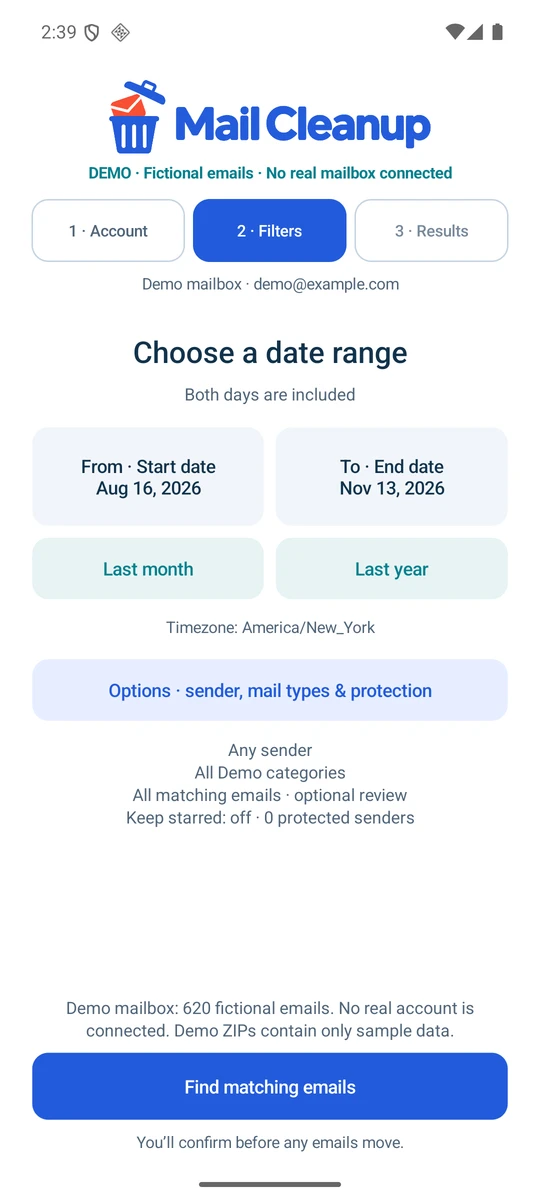
Set a date range, choose a sender and refine by mail type. Gmail includes Inbox, archived and sent mail; Outlook searches Inbox.

An Android app by Kevin DeMara
Old newsletters. Forgotten updates. Years of “I’ll get to that later.” Find the mail you’re ready to let go of, protect what matters and save a copy before you clean up.
 Keep rules stay in the loop.
Actual app screens · Fictional demo mailbox
One focused app.
The idea
Bulk email tools should make it obvious what will happen. Mail Cleanup keeps the matching total, your exceptions and the final confirmation connected, from the first search to the last move.
Set a date range, choose a sender and refine by mail type. Gmail includes Inbox, archived and sent mail; Outlook searches Inbox.
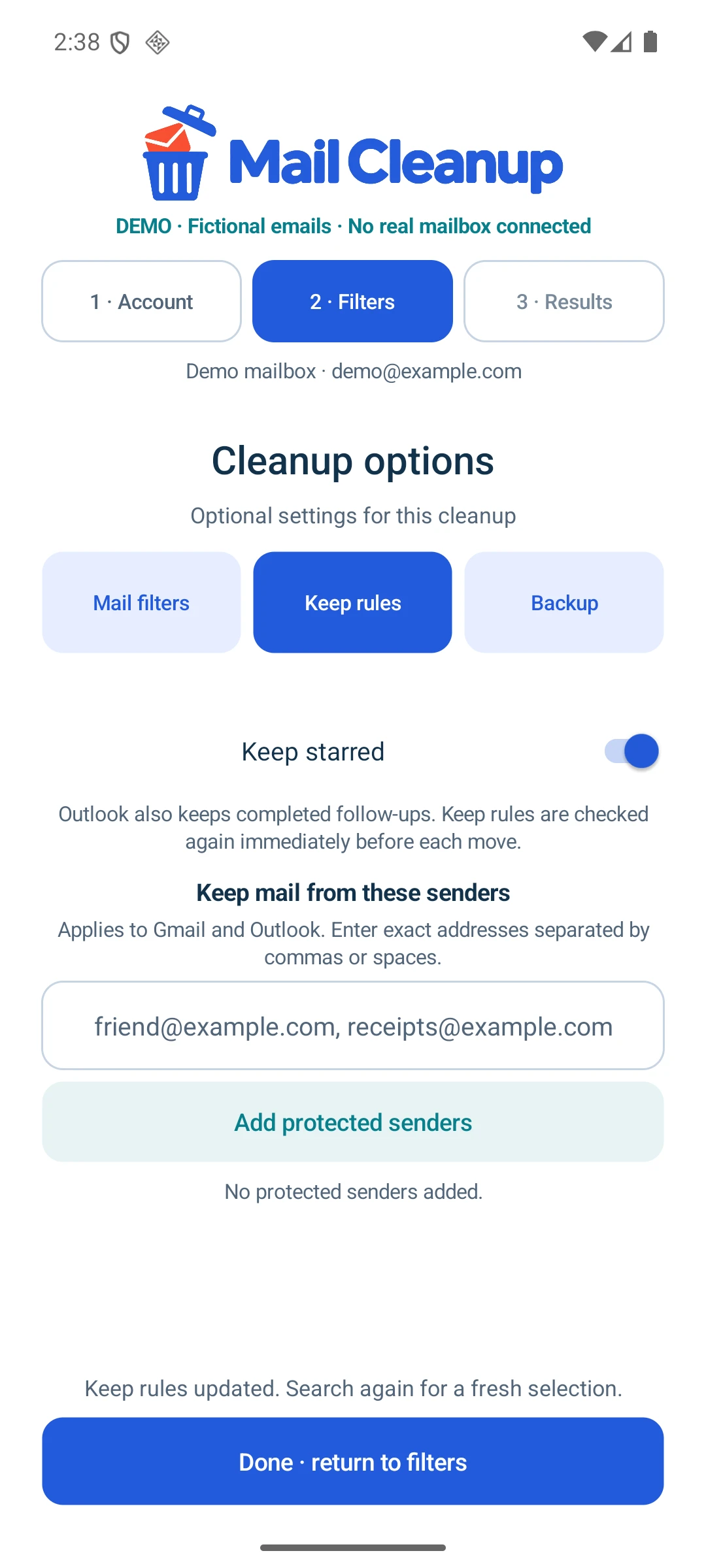
Leave starred or flagged messages and protected senders out of a cleanup. Keep rules are checked again before each move.
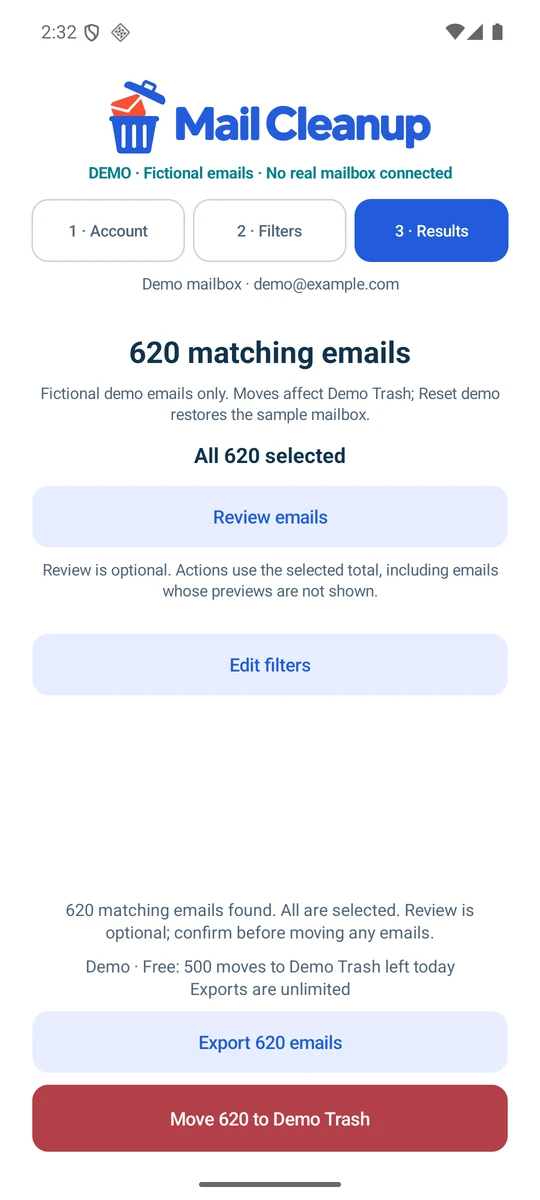
See the full matching total first. Preview individual messages if you want, then exclude anything you want to keep.
Save selected messages and embedded attachments as a ZIP of EML files. Exporting alone leaves your mailbox unchanged.
Return to saved Gmail, Outlook or supported Microsoft 365 accounts. Each cleanup belongs to one active mailbox.
A built-in demo mailbox contains 620 fictional emails. Explore the complete flow and reset simulated Trash moves.
Inside the app
Explore four real screens from the Android app. Every screenshot uses the built-in fictional mailbox, so the whole flow is visible without exposing anyone’s emails.
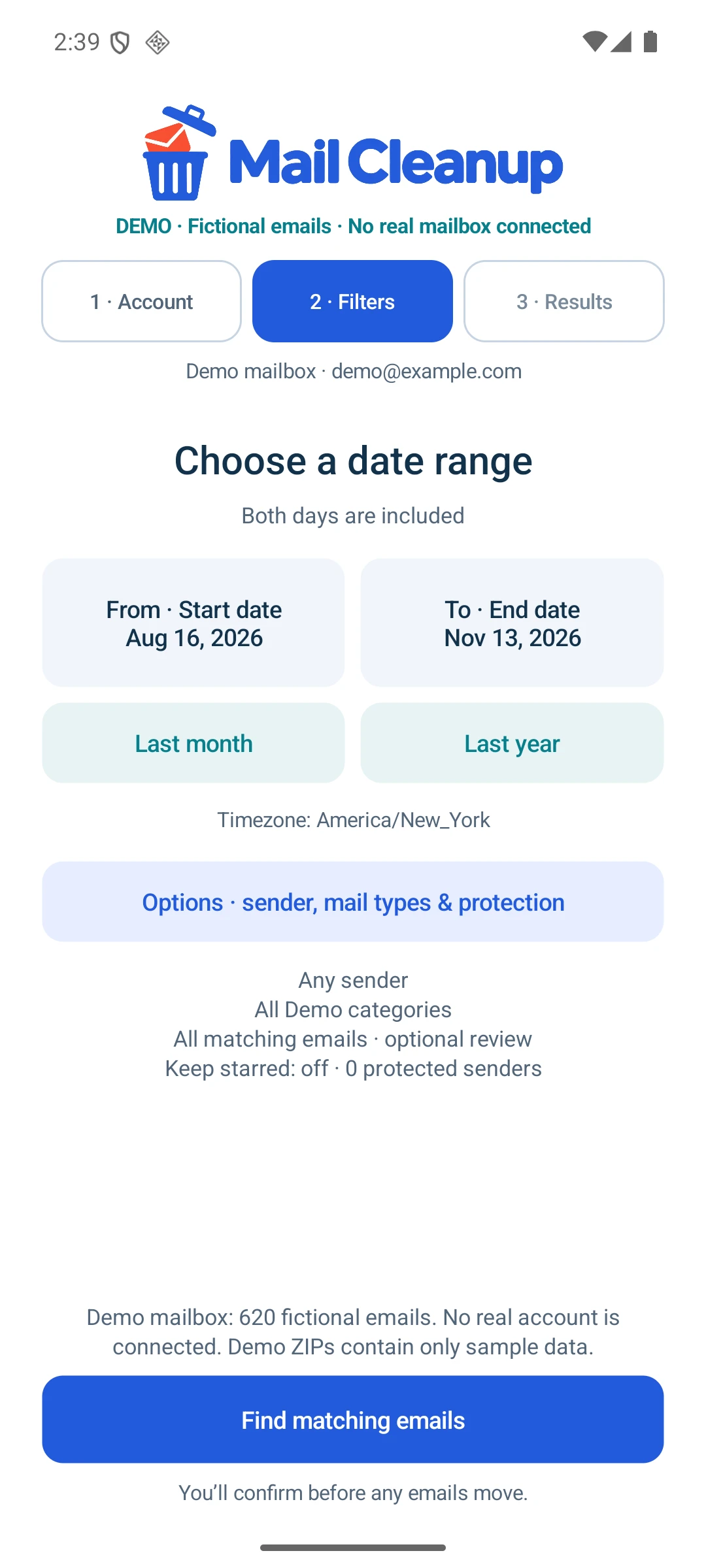
Find
Choose an inclusive date range, then narrow it by sender or mail type. Gmail categories and Outlook’s Inbox views follow each provider’s own model.
Dates + sender + mail typeActual Android app screens.
Fictional demo emails; no real mailbox connected.
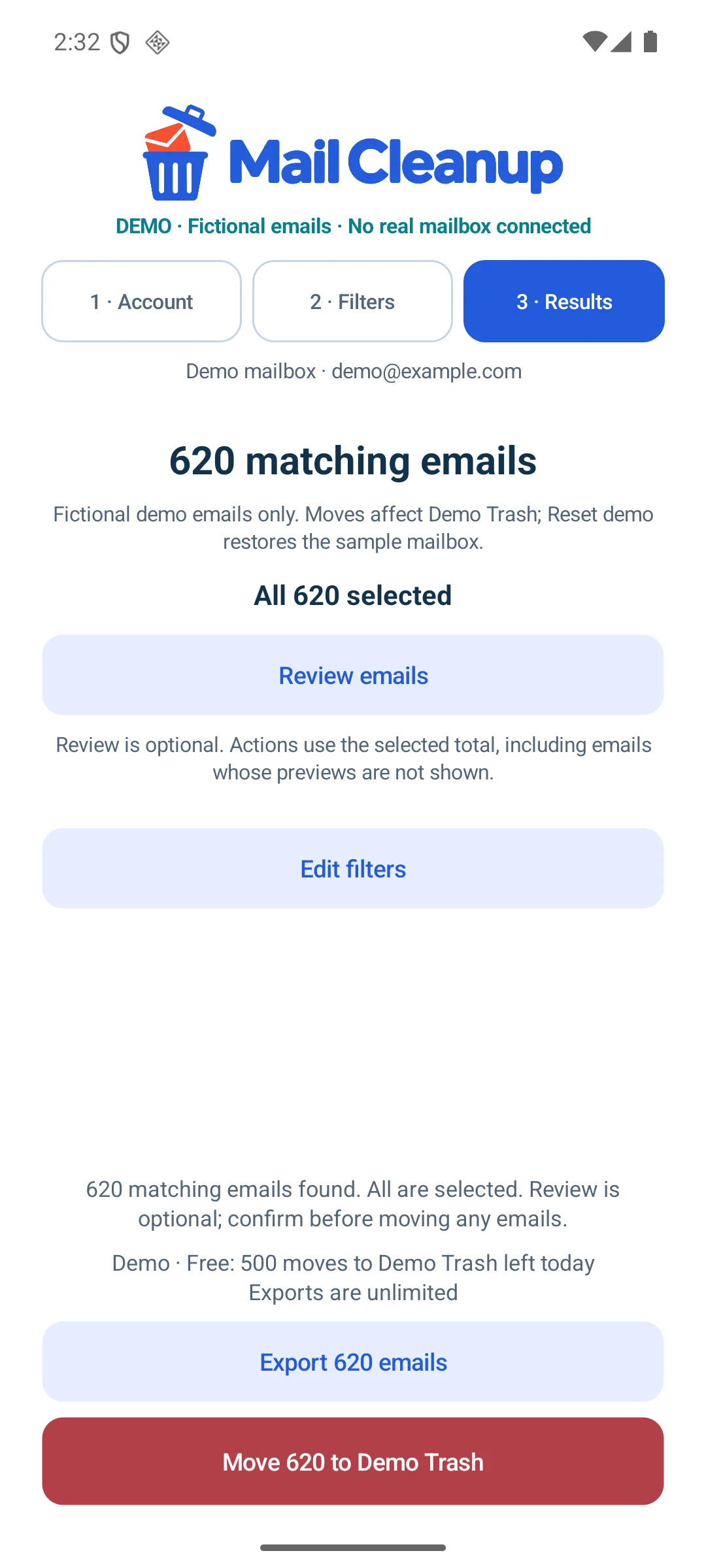
Review
Search counts every match before offering an action. All matches start selected; open previews and uncheck anything you want to keep. Export and cleanup use the same selection.
Full matching total + exact selected countActual Android app screens.
Fictional demo emails; no real mailbox connected.
Protect
Protect starred Gmail mail, flagged Outlook follow-ups and specific sender addresses. Keep rules are checked again immediately before each message moves.
Starred / flagged + protected sendersActual Android app screens.
Fictional demo emails; no real mailbox connected.
Back up
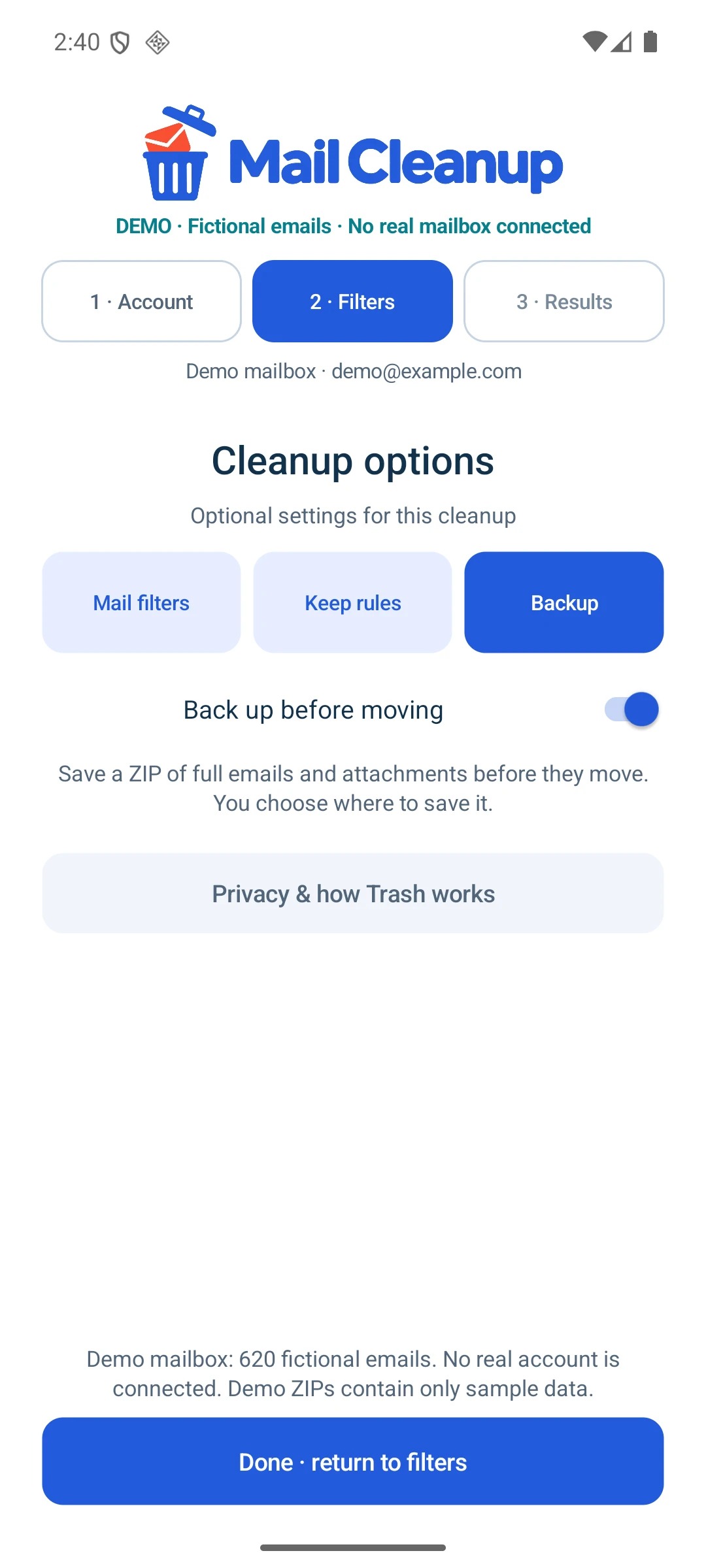
Export selected mail as a ZIP of full EML messages, including embedded attachments. With backup before moving enabled, the saved archive must pass verification before cleanup can continue.
ZIP + EML + saved-file verificationActual Android app screens.
Fictional demo emails; no real mailbox connected.
Control at every step
The action follows a fixed selection. Opening previews doesn’t expand its scope, and changing the selection invalidates an earlier confirmation or backup approval.
Choose filters. Collect every matching message ID.
Keep all matches or leave individual messages out.
Optionally save and verify a copy of that selection.
Check the account and exact count before mail moves.
Before a backed-up cleanup proceeds, the app checks ZIP entries, message count and the saved file’s SHA-256. That verified copy is tied to the same account and selection.
Messages go to the provider’s Trash or Deleted Items. The app has no permanent-delete action. Provider retention rules still apply, and interrupted cleanups need a fresh search and confirmation.
Built for the device
A native Java application connects directly to Google and Microsoft. Mailbox processing stays on the phone, with no developer-run mailbox server, ads or developer-run app analytics.
Saved archives go to the location you choose.
Disk-backed matching IDs keep the complete result separate from loaded previews. The same selected rows feed both export and Trash actions.
Switching verifies the returned mailbox identity and clears previous results and approvals. A cleanup never combines multiple mailboxes.
Temporary selections and export staging use private app storage. Saved ZIPs are not encrypted by the app; the chosen storage provider controls their storage and sync.
Make some room
Every filter, keep rule, account switch, review and backup feature. Unlimited exports and up to 500 Trash moves per UTC day, shared across mailboxes on this installation.
Remove the app’s daily move allowance with an optional Google Play purchase. No subscription. Provider quotas, network and storage limits still apply.
Gmail authorisation is still under Google’s review, so access restrictions may apply during rollout. Supported Microsoft 365 accounts need Exchange Online in Microsoft’s public cloud and may require administrator approval.
Keep the app open during export and cleanup. ZIP import/restore is not currently supported. Google and Microsoft sign-in services and Google Play operate under their own policies. Mail Cleanup is an independent app.
Start a conversation
A practical problem. An ambitious idea. A system that could work better. Tell me what’s on your mind.
What would you love to stop doing manually?
One small hello. A new possibility.
Thanks for reaching out. I’m looking forward to hearing more.
Sent to Kevin